Technology for Jobs and maintenance

Start with the parts your team uses every day.

Opentiq connects the public experience, internal system, setup work, and support into one practical plan.
Start with one serviceBuild a complete setupSupport after launch
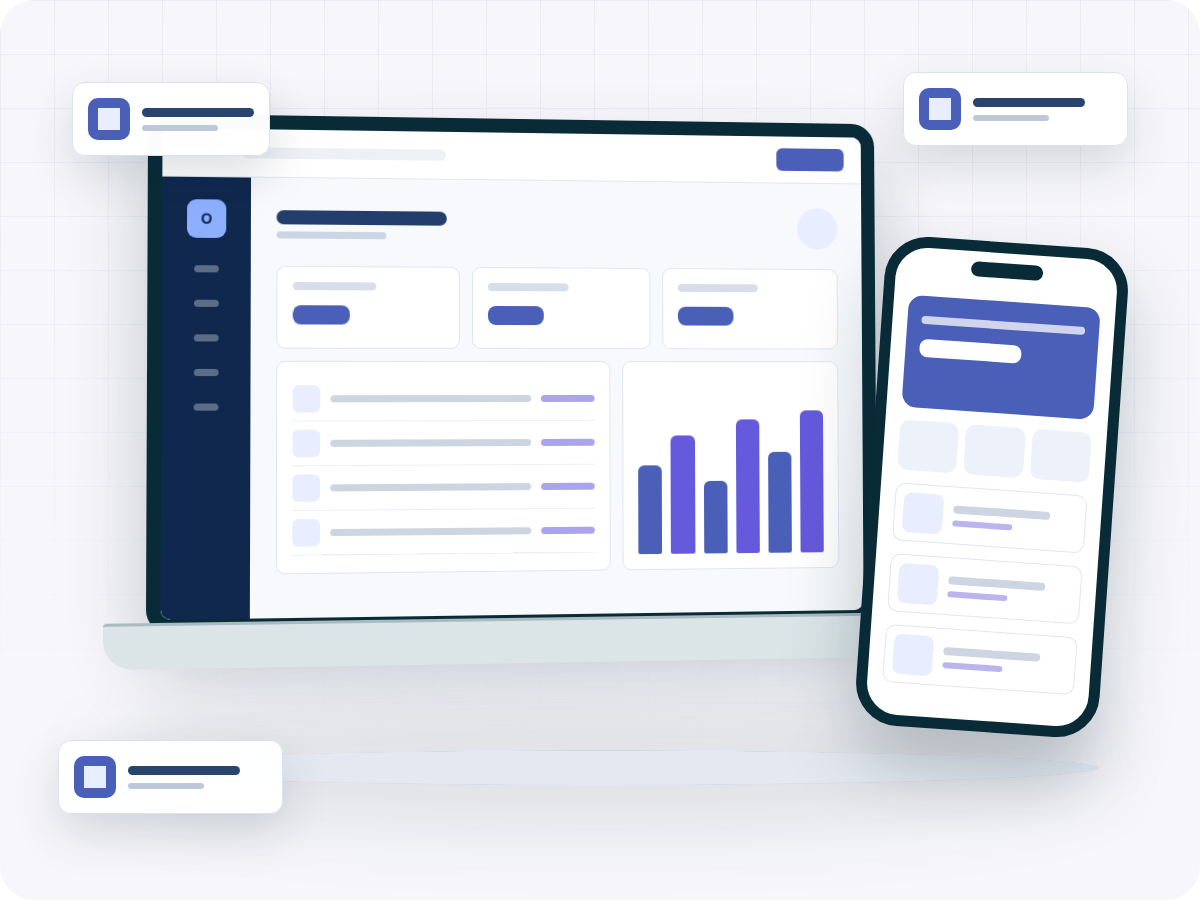
Workshops and Maintenance Companies software, mobile, and business operations illustration
Customer sideService-request website
Team sideCustomer records
Industry features

What this business actually gets.

Service requests, work-order visibility, customer approvals, assets, and support.

Customer side

The pages, portals, booking, catalog, or ordering flow customers interact with.

  • Service-request website
  • Online appointment booking
  • Customer repair-status page
  • QR code for each job

Capabilities offered after verification

The system screens and records used by staff during daily work.

  • Customer records
  • Vehicle or asset records
  • Work orders
  • Technician assignment

Launch and support

Migration, configuration, training, and technical support needed to make the setup usable.

  • Work-order workflow design
  • Customer and asset-data migration
  • Parts inventory setup
  • Technician permissions
How the landing plan works

From business review to launch without the mess.

01 Map the current workflow

We document how customers, staff, branches, and management work today.

02 Select the product or custom scope

We choose the closest Opentiq product or define the custom scope.

03 Prepare data, users, and templates

We prepare records, roles, permissions, templates, and launch data.

04 Launch, train, and support the team

We train the team, launch carefully, and keep support available after launch.

The complete business blueprint

From the customer’s first action to ongoing support.

Service requests, work-order visibility, customer approvals, assets, and support.

CustomerService-request website
Daily workCustomer records
SetupWork-order workflow design
LaunchTraining and go-live
SupportHosting and maintenance
Explore the offer

See only the part you need.

Switch between customer tools, daily operations, implementation, and managed support.

For your customers

Customer experience

The public tools customers use to discover, order, book, request, or follow up.

Ask about this area
Service-request website
Online appointment booking
Customer repair-status page
QR code for each job
Maintenance reminder system
Customer quotation approval page
Workshop website
Service catalog
Choose how to start

One focused service or a complete setup.

No fixed bundle is forced onto the business. Final scope follows your current workflow, data, devices, and branches.

For a customer-facing digital starting point

Digital Start

  • Website or customer page
  • Online menu, catalog, or booking
  • Custom domain and branding
  • Initial content and hosting
Discuss this option
For organising the internal daily operation

Business Operations

  • Appropriate verified Opentiq system
  • Initial configuration
  • Data migration
  • Invoices, users, permissions, and training
Discuss this option
For recurring technical and operational support

Managed Business Technology

  • Server, hosting, backups, and security updates
  • Technical support and performance checks
  • Content, menu, or catalog updates
  • Branch monitoring and employee onboarding
Discuss this option
A clearer next step

Tell us what you want to improve first.

One provider for your business system, website, customer experience, devices, installation, training and ongoing support.

Get my recommendation
Talk on WhatsApp +962771487039 Talk on WhatsApp +962797106497